Builder guide
How to build a Slay the Spire style game with Makko
This is a Makko-first production guide. It covers the exact path from first prompt to playable build, then weekly tuning loops for cards, encounters, and progression.
This guide is for creators who want run-based deckbuilding gameplay but do not have a coding or art background. It is a Makko-first workflow. You go from first prompt to playable game using Art Studio, Code Studio, and short weekly iteration cycles.
On this page
Makko workflow
From first concept to playable deckbuilder loop.
Panel 02
First prompts
Prompt templates that avoid messy disconnected output.
Panel 03
Makko resources
Curated blog and video references you can use right now.
Panel 04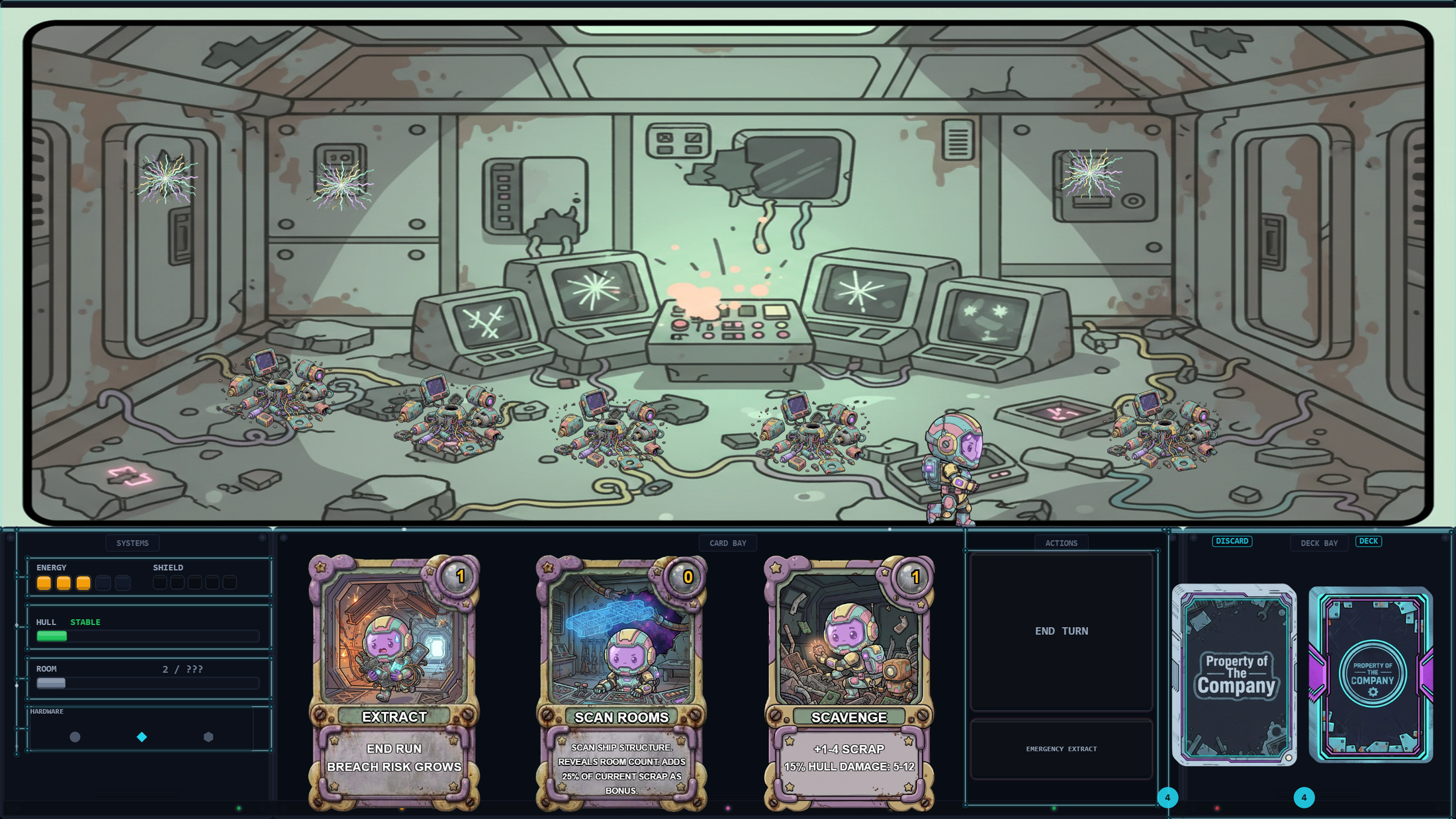
Builder FAQ
Answers for scope, prompts, and first playable loops.
Makko workflow from blank project to playable build
- Lock visual direction in Art Studio. Create a Collection, generate concept art, then generate character references and animation sets.
- Build manifests once. Create clean manifests for each playable character and keep alignment consistent before adding to the project.
- Switch to Code Studio Plan Mode. Prompt your run loop in plain language and approve tasks in sequence so state stays coherent.
- Add assets through Quick Actions. Add character manifests and backgrounds from the Asset Library, then rebuild and test immediately.
- Patch in tight loops. After each test run, fix one bottleneck at a time: card economy, encounter spikes, or progression pacing.
What to prompt first in Makko
Your first production prompt should define the playable loop, not flavor text. Example pattern:
Starter promptCreate a run-based deckbuilding game with fixed hand size, energy per turn, room progression, and clear lose conditions. Start with one character path and a small starter deck so balancing issues show up quickly.
Then follow with specific change prompts after each playtest. Keep prompts short, concrete, and tied to one system at a time.
Makko resources to use right now
These are the most relevant Makko resources for the exact workflow you asked for. Each card has a thumbnail and a short summary so you can scan fast and open the right one.
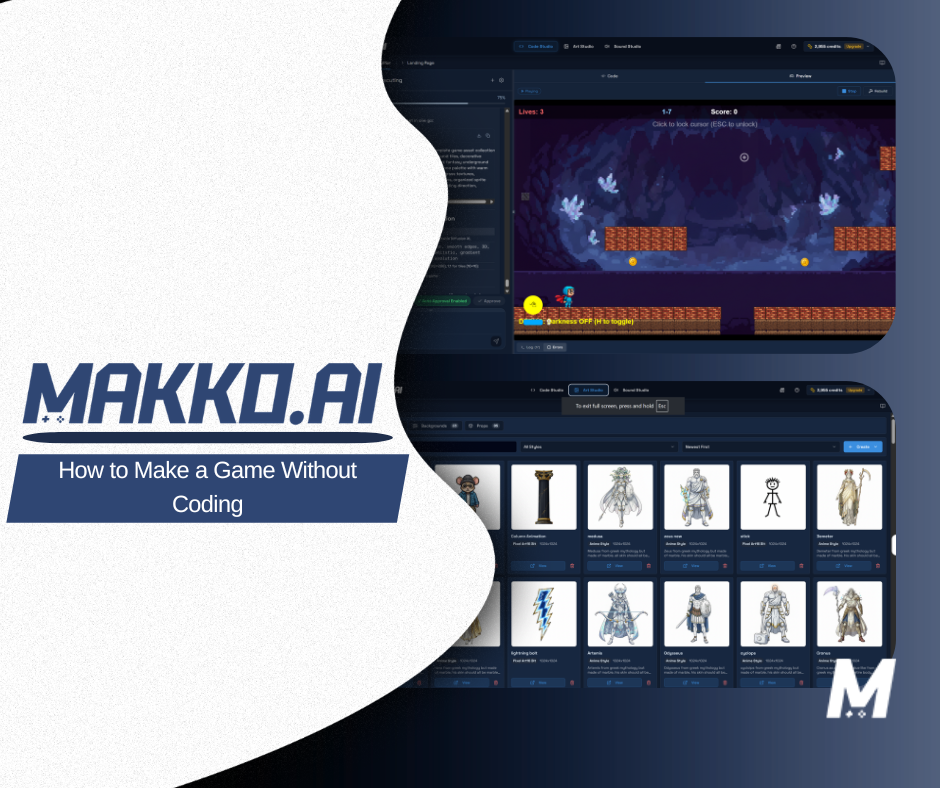
Blog post
How to Make a Game Without Coding
Full Makko pipeline from character creation in Art Studio to playable logic in Code Studio, including manifests, planning, and rebuild loops.
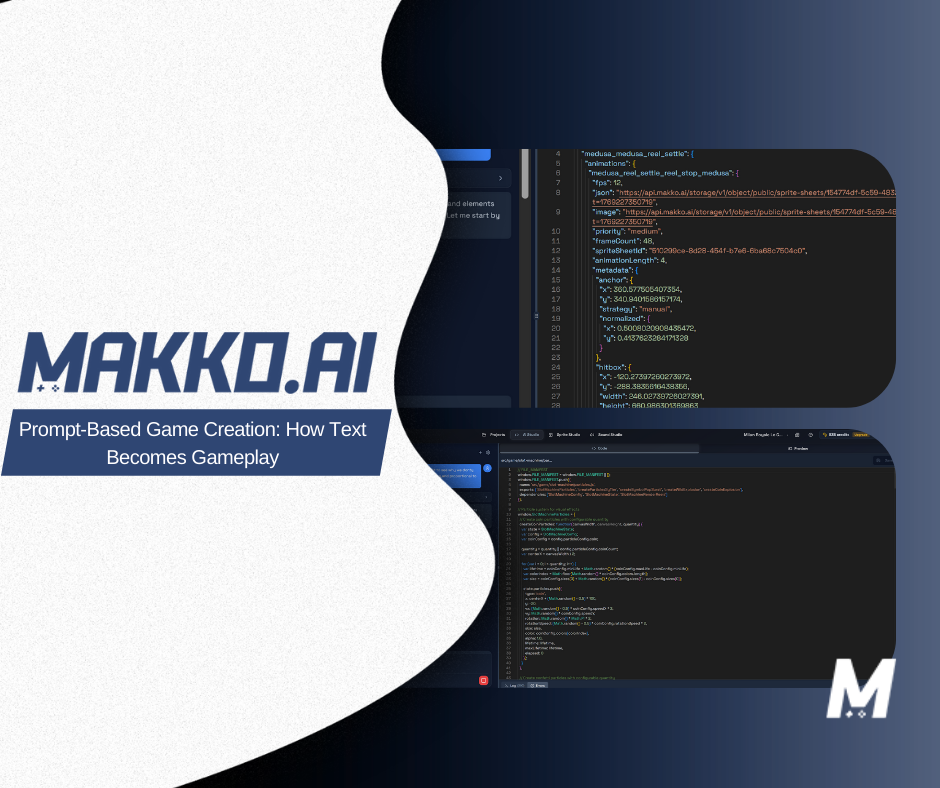
Blog post
How Prompt-Based Game Creation Works
How to write prompts that produce stable gameplay systems instead of disconnected outputs, plus when to use Plan Mode versus faster edits.
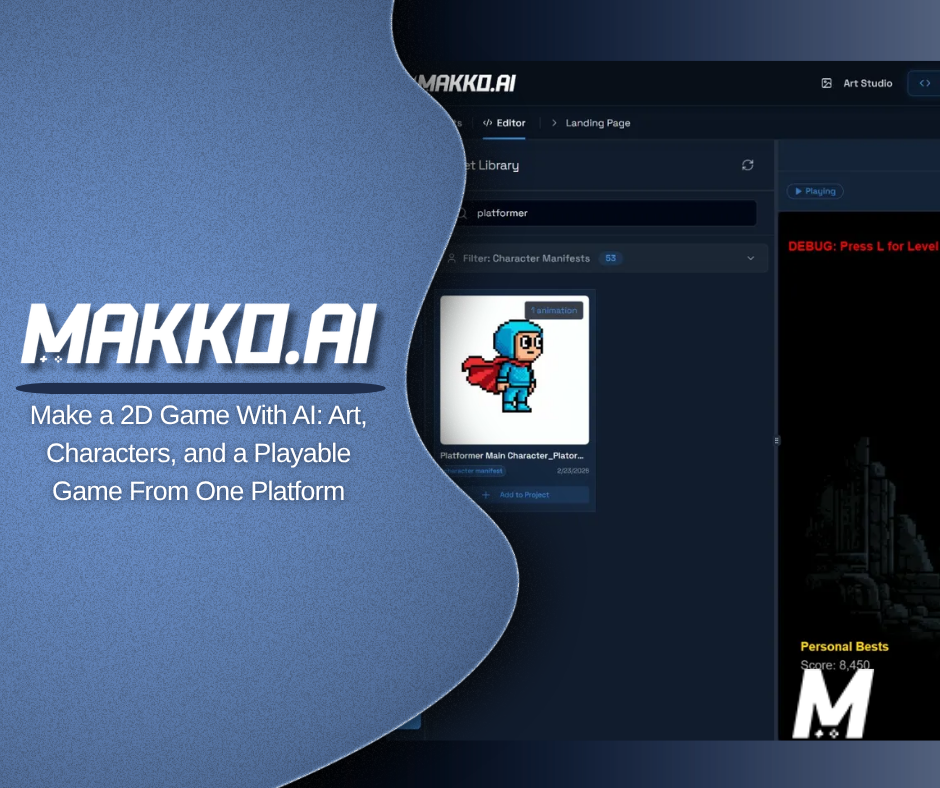
Blog post
Make a 2D Game With AI
Step-by-step guide that connects art production and gameplay implementation in one pipeline, with specific notes on consistency and asset reuse.
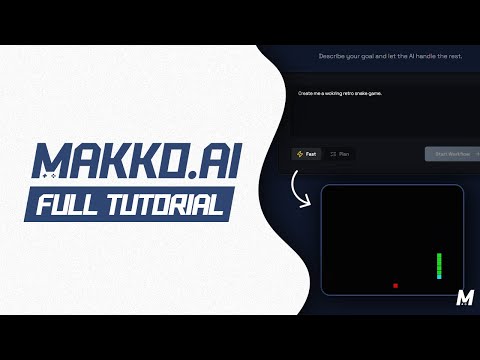
YouTube
From Idea to Playable Game in One Video
Best first watch. Covers prompt setup, character creation, reference sheets, animation baking, project planning, and playable build review.
YouTube
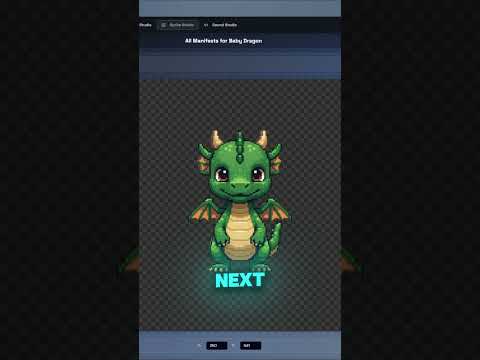
The Character Animation Problem Solved
Focused tutorial on manifests, animation alignment, adding assets to project, and fixing common integration issues after rebuild.
YouTube
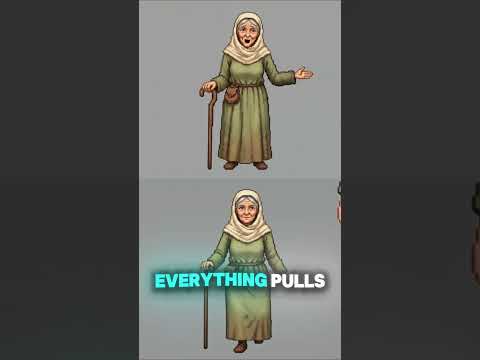
Single Source of Truth Changes Everything
Short breakdown of asset hygiene in Makko and why one clean source asset prevents drift across multiple projects and updates.
Watch the top 3 Makko tutorials
Complete start-to-finish walkthrough. Best first video if you are new to Makko.
Character manifest and animation integration workflow with troubleshooting notes.
Quick explanation of clean asset workflows and why they matter as projects scale.
Recommended next step for your build
Build one clean vertical slice in Makko first. One playable character, one encounter lane, one progression currency, one clear fail state. Once that slice feels good in repeated runs, expand cards and encounters in controlled batches.
If you want game context, compare this workflow against the current Sector Scavengers mechanics page and video dispatches.
Related pages
FAQ for builders
QWhat should I do before writing complex prompts?
ALock your visual direction in Art Studio and verify manifests. Prompting is easier when assets are stable.
QHow big should my first prototype be?
AKeep it small: one character path, one progression economy, and enough encounters to test failure and recovery loops.
QWhat should I read after this page?
AOpen player-facing intent guides and use those expectations as test targets during iteration.